What Are Jumbo Frames?
In Ethernet networking, data moves in units called frames.
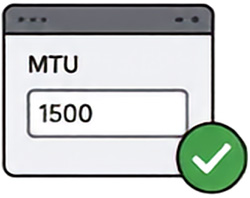
A standard Ethernet network normally uses a 1,500-byte MTU.
A Jumbo Frame carries more data-commonly around 9,000 bytes.
Larger frames can improve efficiency, but only if every device in the path supports the selected size.
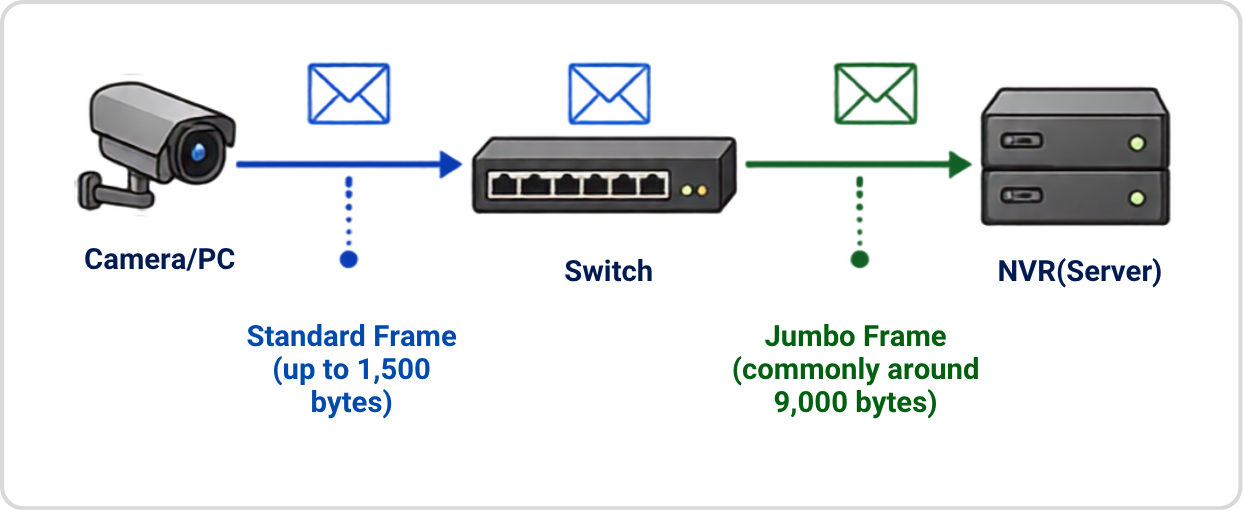
Jumbo Frames are a convention, not one universal standard. Supported limits vary by device.
Why Larger Frames Can Be More Efficient
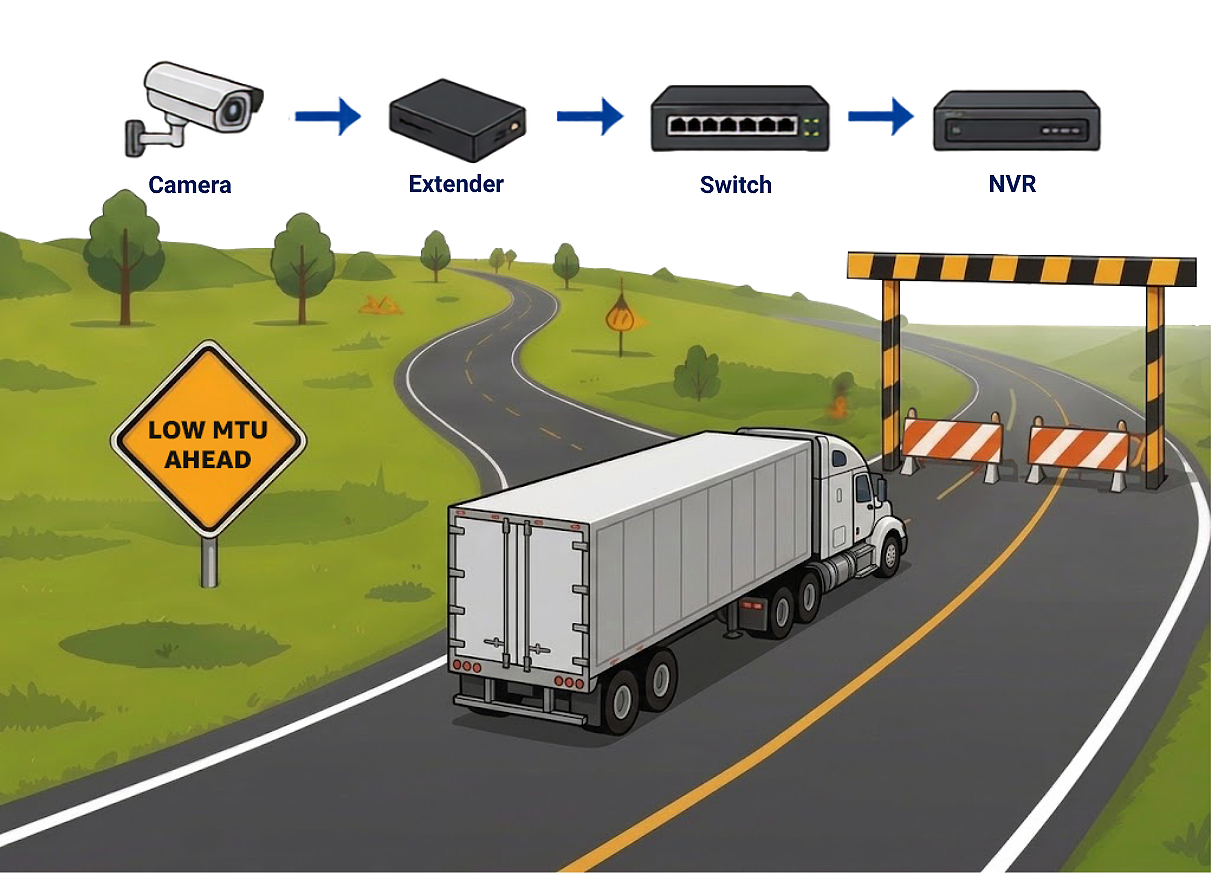
Think of frames as delivery vehicles on a highway.
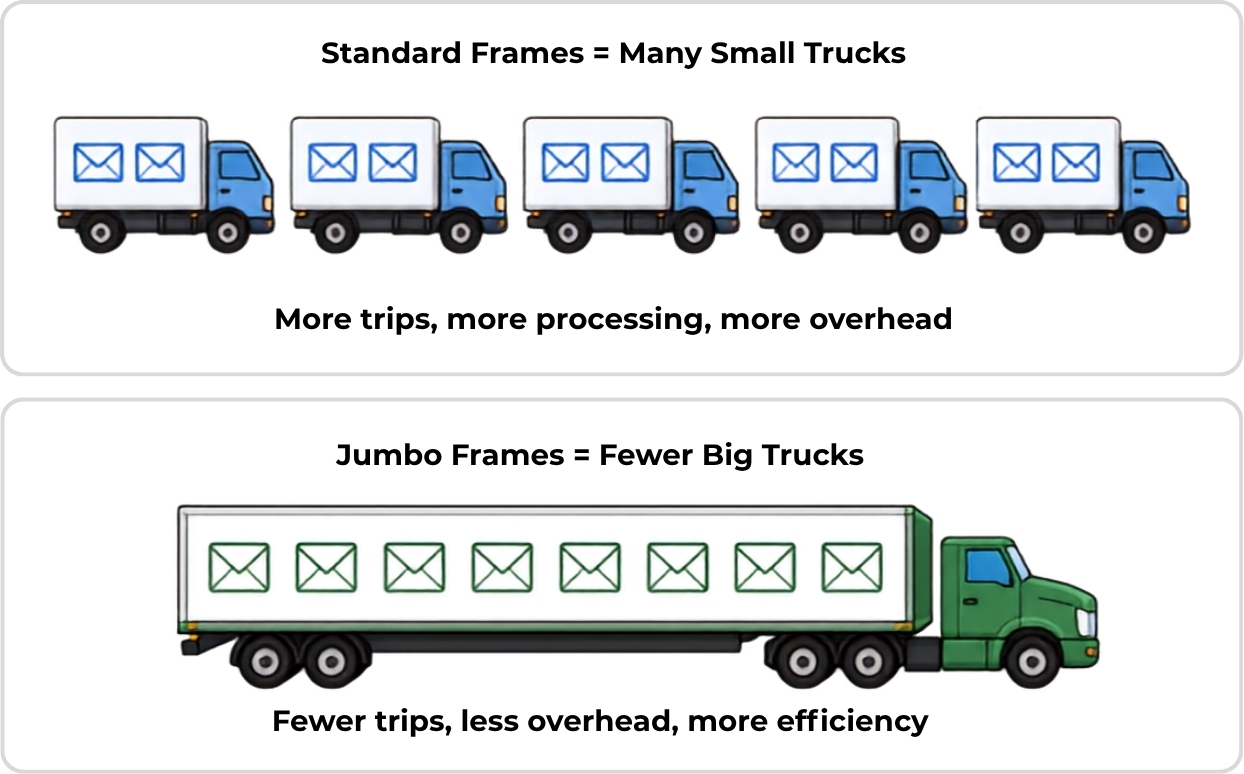
Better Throughout
for Large Flows
Jumbo Framecy only when the entire transmission path supports them.
Jumbo Frames Need an End-to-End Path
- Jumbo Frames work only when every device in the path supports the same or larger MTU.
- In a security video network, the path may include a camera, extender, switch, and recorder.
- One smaller limit can cause drops, delays, or performance problems.

The smallest MTU in the path becomes the bottleneck.
Possible signs of packet loss or MTU mismatch
Even if your local network is ready, the path might include devices you don't control.
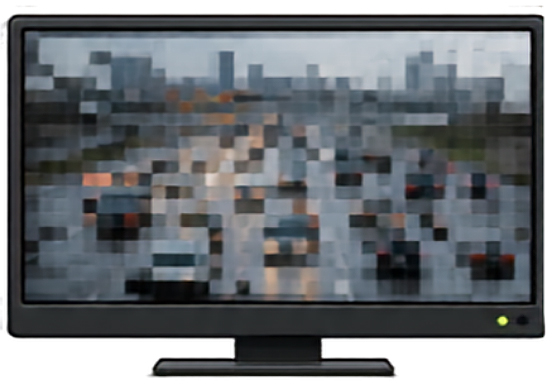
These symptoms may indicate an MTU problem-but other network issues can create similar results.
Why Fragmentation Is Not a Good Solution
When a packet is too large, it may be broken into smaller pieces. That creates extra work and more chances for loss.

- More processing
- More overhead
- More chances for loss
- If one piece is lost, the full packet may be unusable
Fragmentation should not be relied on as the fix for Jumbo Frame problems.
Check Every Network Device
Do not assume every inline device will pass Jumbo Frames. Confirm the actual maximum frame size for each device in the path.


Ethernet Extender

Media Converter

Wireless Bridge

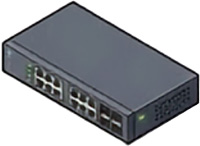
Managed /
Unmanaged Switch

Repeater

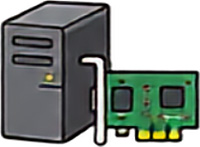
Recorder / Server NIC

Camera / NIC
If the datasheet is unclear, ask the manufacturer to confirm support at the intended port speed.
Fast Test for an Installed Camera System
Check the camera MTU
Record the current
setting.
Temporarily select MTU 1500
Apply the change and restart if required.
Retest the video
Test during high activity or with multiple streams.
If the problem stops
Verify every device in the path before restoring Jumbo Frames.
Start at the camera.
Change one setting at a time and document the results.
Design It Correctly from the Start
Check every
data-transmission device
Verify support at the
actual port speed
Use one compatible
MTU end to end
Test with real
video traffic
Monitor dropped packets
and interface errors
Good design prevents problems.
Jumbo Frames improve efficiency only when the entire transmission path supports them.